Ethereum staking hardware requirements in 2026
By AVADO team · Published
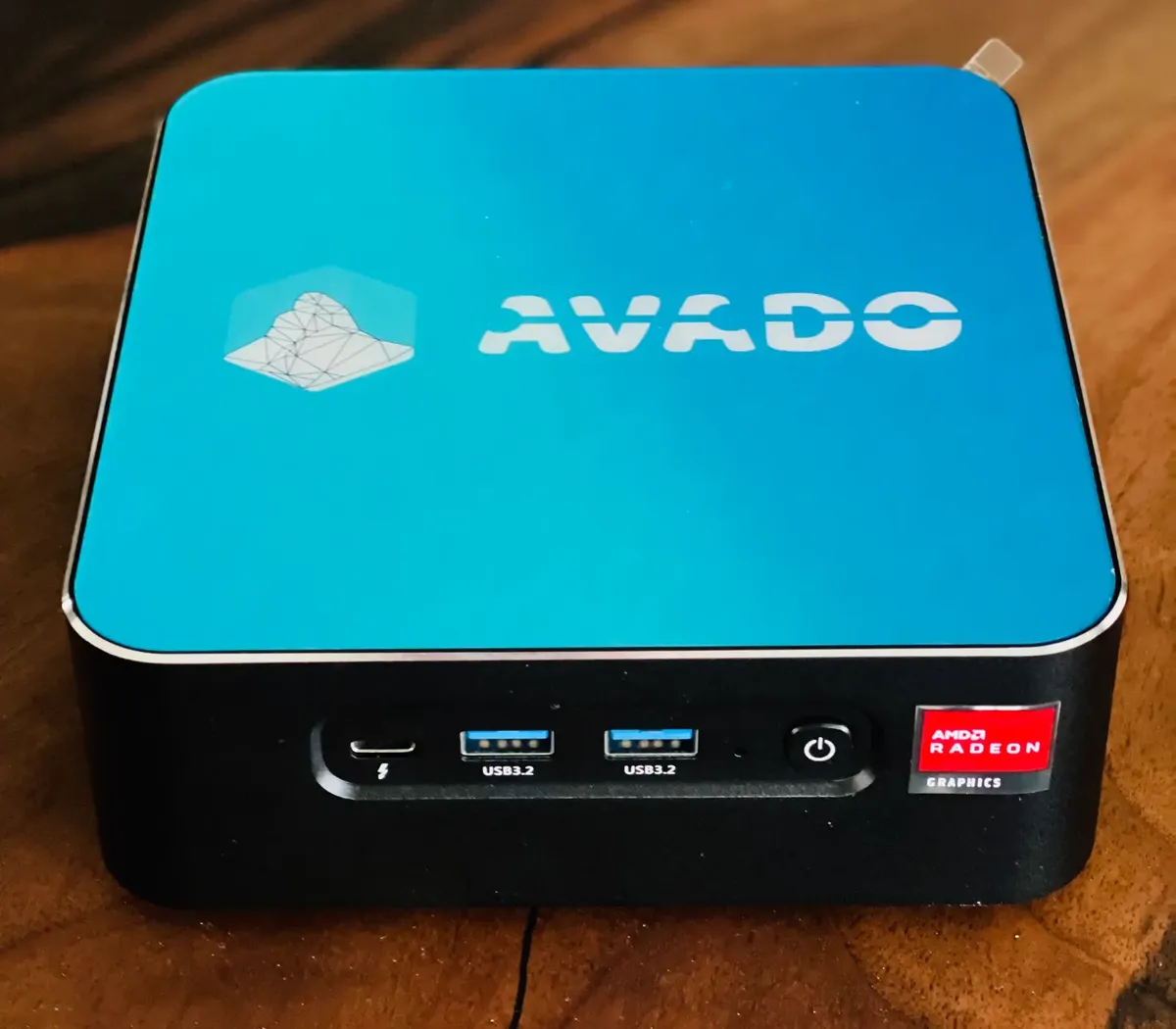
The home staking minimum in 2026 is a computer with at least a quad-core CPU, 32 GB of RAM and a 4 TB SSD, and an internet connection with at least 10 Mbps up and down and no data cap. These are the minimums the EthStaker hardware guide lists for running an Ethereum validator at home. The machine runs around the clock, so a small, quiet, low-power computer is the usual choice.
What are the minimum requirements?
The minimum requirements are these, according to EthStaker:
| Part | Minimum | Why it matters |
|---|---|---|
| CPU | Quad-core (or dual-core with hyperthreading), x64 or arm64 | Verifying blocks and running two clients at once |
| Memory | 32 GB | The execution client and consensus client together use a lot of RAM |
| Storage | 4 TB SSD | The chain data keeps growing, and a spinning hard drive is too slow |
| Internet | 10 Mbps up and down | Your node exchanges blocks, attestations and blob data with peers all the time |
| Data cap | None | A full node can transfer more than 2 TB a month |
Source: EthStaker Knowledge Base.
Why 4 TB and not 2 TB?
4 TB is the minimum now because the databases of the execution and consensus clients grow over time, and you need room for client updates and for resyncing. A few years ago a 2 TB drive was enough. It isn’t any more: EthStaker now lists 4 TB of SSD space as the minimum. If you want to run other packages next to your validator, or keep the box for many years, 8 TB gives you more headroom.
The drive must be a solid-state drive. EthStaker says plainly that a spinning hard drive “is not fast enough”. Choose a drive with a high endurance rating (terabytes written), because a node writes to it constantly.
How much bandwidth does a validator use after Fusaka?
Bandwidth after Fusaka is lower for downloads and higher for uploads, for most solo stakers. The Fusaka upgrade of 3 December 2025 introduced PeerDAS: nodes no longer download every piece of blob data, only a sample. According to ethereum.org, that lowers disk use and download bandwidth for solo stakers by around 50%, but they need two to three times more upload bandwidth. Nodes with 800 ETH or more of validators keep more data and, according to the same page, need around 30% more download bandwidth.
In practice: check your upload speed, not just your download speed, and make sure your plan has no monthly data cap.
How much power does a staking node use?
A staking node’s power use is much lower than a gaming PC’s or a mining rig’s. EthStaker gives examples ranging from about 20 to 30 watts for a modern mini PC to 100 watts or more for a server. A small computer running all year costs little in electricity and doesn’t need a separate room or cooling.
A UPS (battery backup) is optional. It is useful if you have frequent short power cuts, but being offline only costs you the rewards you would have earned in that time. See what happens when your validator goes offline.
How do AVADO models compare?
Every AVADO in the shop is a computer that meets the minimums and ships with the AVADO software installed, so you don’t have to build or configure anything.
| AVADO model | Processor | Memory | Storage | Good for |
|---|---|---|---|---|
| AVADO i7 | Intel Core i7 | 32 GB or 64 GB | 4 TB | One or a few validators on a smaller budget |
| AVADO with Intel Core Ultra 7 255H | Intel Core Ultra 7 255H | 32 to 128 GB | 4 TB or 8 TB | Several validators, other packages next to your node, more room to grow |
Stock changes, so the shop has the current models and prices. If you already have an AVADO with a 2 TB drive, the 4 TB upgrade kit replaces the drive with one that has the AVADO software on it.
Should I build my own staking computer?
Building your own is an option: any computer that meets the table above works, and the EthStaker guides walk you through installing Linux and the clients yourself. The trade-off is time: you choose the parts, install the operating system, configure the clients and firewall, and apply every client update before each network upgrade.
An AVADO is for people who would rather skip that. You plug it into your router, install an execution client (Geth or Nethermind) and a consensus client (Teku, Nimbus or Prysm) from the DappStore, and the AVADO team packages client updates for network upgrades. See Ethereum staking with AVADO for how it works.